Moto Empire Updates
Patch cadence, where to read notes first, and quick links into the newest Ranked and Giga-map content.
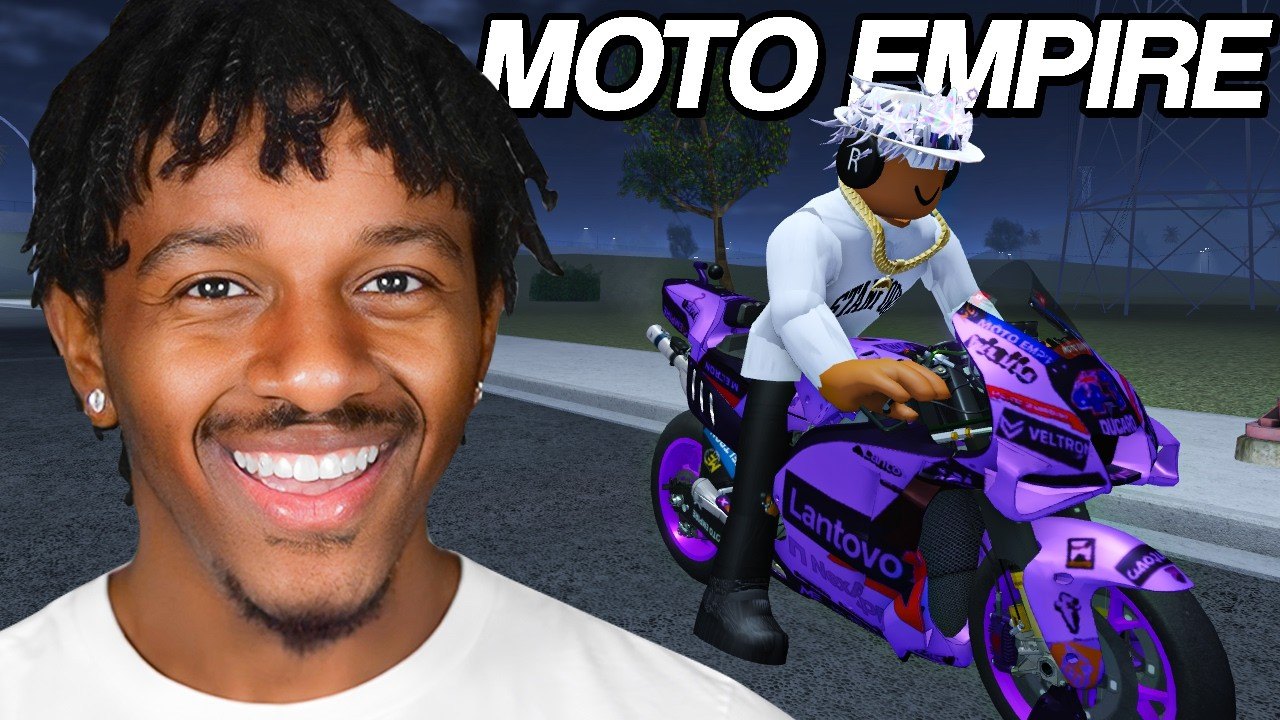
Codevo Games ships Moto Empire updates frequently—攏ew dealership bikes, race modes, tuning toys, and quality-of-life systems land on a steady Roblox cadence. This Updates Hub explains how to stay current, where official notes appear, and how each patch type should change your Cash plan. For a deep dive on the newest wave, open Latest Update first.
Where to find patch notes
Primary sources, in order of usefulness:
- Roblox game page —Moto Empire description banners often list headline features and a promo code the day a patch drops.
- Official Discord —discord.com/invite/J8bEfqk6C5 is where Codevo Games and helpers announce codes, hotfix callouts, and experimental features before every tracker site catches up.
- In-game UI — Shop banners, dealership “new” tags, and race menu additions are the ground truth for what actually spawned on your server.
- This wiki —Latest Update summarizes player-facing changes; Codes tracks redeemable rewards tied to those patches.
Bookmark the Discord invite and the Roblox page. Wiki pages help you plan builds, but live codes expire fast—攁lways verify in Discord or the game description when something looks too good.
Typical patch cadence
Moto Empire is still in active development. Expect a mix of:
- Content drops — batches of new bikes (recent waves included five to seven motorcycles at once), muffler packs, sticker tools, camera modes
- Map expansions — Giga-scale world growth, new highways, mountain routes, and extra race entries
- Systems — Ranked ladders, revamped Auction, dyno/gear experiments, radar toys, passenger features
- Economy codes — Cash dumps and timed Money boosts that match the marketing name of the update (STICKERS, GIGAUPDATE1, AuctionTime, NewBikes7, and friends)
- Hotfixes — BigFixes-style patches that stabilize physics, shops, or race collisions without adding a full headline feature
Because servers hold about twenty riders and the experience is free-to-play, patches lean toward shared-world toys: more routes to explore together, more ways to show off liveries, and more reasons to return for Ranked sessions.
Themes from the current generation of updates
Recent headlines players should know even before reading the full latest article:
| Theme | Why it matters |
|---|---|
| Ranked System | Competitive structure beyond casual races—攂ring a tuned race bike |
| New bike waves | Mid and high dealership options reshuffle Best Bikes |
| Custom stickers | Collector and creator expression without changing raw tier stats |
| ~40 mufflers | Audio/visual identity; pair with exhaust tuning |
| Gap Cam | Better cinematic and gap-focused camera work for stunts |
| Police Lights | Cosmetic flair for night rides and content clips |
| Revamped Auction | Alternate acquire path—攂udget carefully |
| Giga map expansion | New mountain, drag, highway, and circuit opportunities |
None of these replace the core loop: earn Cash, buy bikes, tune engine/exhaust/brakes/weight, race, and explore. They multiply the reasons to keep a garage diverse.
How to react to a new patch (player checklist)
- Read the Roblox description and Discord announcement.
- Redeem any new code on Codes immediately.
- Visit the dealership and note prices on freshly tagged bikes.
- Test one new race mode before spending your entire boost timer.
- Update your personal goal: Ranked climb, sticker flex, Auction flip, or map tourism.
- Recheck Starter Bikes or Best Bikes if prices shifted.
- Adjust build priorities on Best Builds if Ranked rewards consistency over stunts.
What this hub will track over time
As the wiki grows, child pages under /updates/ should cover major named patches one at a time. For now, Latest Update is the living summary of the Ranked / stickers / new bikes / Giga map generation. Older seasonal notes (Halloween events, early re-release fixes, first race-track additions) matter mainly for expired-code history and badge context.
Related planning pages
- Guides Hub and Getting Started for onboarding after a wipe or new account
- Players Hub for progression identities (stunt, race, collector)
- Tools Hub and Controls when camera or garage UI changes
- Links Hub for official Roblox and Discord shortcuts
Stay skeptical of third-party “leak” lists that invent bike stats. If a feature is real, it appears in Discord, on the Roblox page, or inside your client. Use this hub to organize those confirmed changes into a play plan—攖hen jump into Latest Update whenever you need the full November-era feature breakdown.
Frequently Asked Questions
Quick answers for Moto Empire riders.
Where does Codevo Games post Moto Empire updates first?
Usually on the Roblox game description and in the official Discord (https://discord.com/invite/J8bEfqk6C5). Check both whenever a promo code appears.
How often does Moto Empire update?
Frequently while the game remains in active development. Expect bike drops, map work, and hotfixes on a short cycle rather than rare seasonal-only patches.
Do updates expire my bikes or tuning?
Owned motorcycles and garage progress normally persist. Always confirm in patch notes if a rebalance touches stats, but wipes are not part of the normal cadence.
Where is the newest patch explained on this wiki?
Open the Latest Update page from this hub. It covers Ranked, stickers, new bikes, Gap Cam, Auction changes, and the Giga map focus.
Should I spend Money boosts the second a patch drops?
Redeem codes immediately, but start the boost timer only when you can ride, race, or quest for most of its duration.