Moto Empire Tools
Controls, camera modes, and practical checklists that keep every session focused.
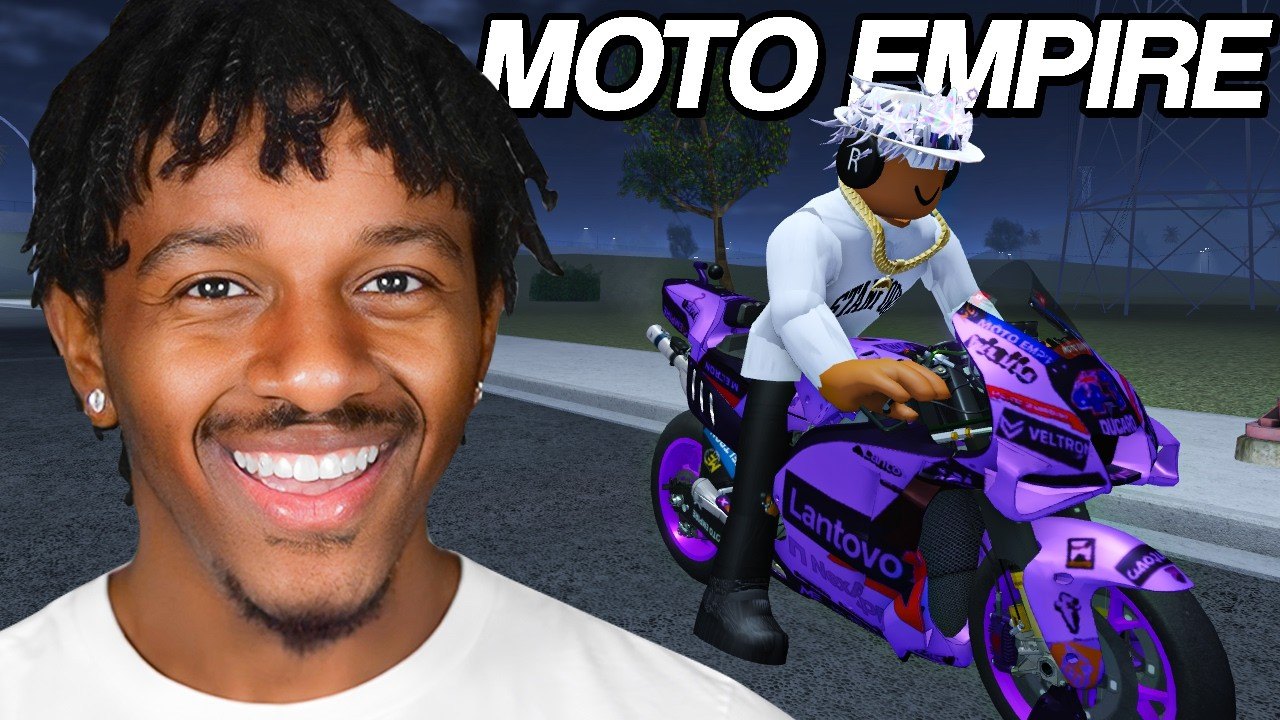
The Tools Hub collects practical references for Moto Empire—攖he menus and habits that sit beside raw bike tiers and patch notes. Start with Controls for PC, mobile, and console-style actions covering riding, Gap Cam, first-person view, shop, and garage. Use the checklists below before Ranked queues, dealership runs, or long playtime grinds.
What belongs in Tools
Unlike guides that teach systems in essay form, tools pages answer “what do I press” and “what do I verify.” Expect:
- Control and camera references
- Pre-ride and pre-spend checklists
- Quick links into codes, builds, and updates when a tool implies a next step
Deep strategy still lives on Guides, Tier List, Players, and Updates. Tools simply remove friction.
Featured tool page
Controls
Platform-agnostic breakdown of throttle, brake, steer, wheelie, camera cycles (including Gap Cam and first person), and how to reach Shop, Codes, Dealership, and Tuning Garage flows. Exact key labels can differ after patches or between devices—攖reat the page as an action map, then confirm binds in your client settings.
Session checklists
Pre-ride checklist
- Redeem anything new on Codes.
- Equip the bike that matches today—檚 goal (stunt vs Ranked vs explorer).
- Confirm camera mode before you hit first gear—攔ace clarity versus Gap Cam clips.
- Note Money boost timers; do not start them in the shop UI alone.
- Glance at Latest Update if you just patched.
Pre-dealership checklist
- Know your path from the Players Hub.
- Compare targets on Starter Bikes or Best Bikes.
- Reserve Cash for engine/exhaust after the purchase.
- Check Auction only with surplus funds after the revamp.
- Leave if impulse browsing starts burning the R-Fifteen or H2R stack.
Pre-Ranked checklist
- Warm up on the same race type (mountain, drag, highway, circuit).
- Verify brakes exist on the bike you will queue.
- Disable experimental freestyle camera habits that hide apexes.
- Hydrate your boost plan—擱anked plus grinding beats menu AFK.
- Review Best Builds if your tune feels soft.
Playtime reward checklist
- Stay in-session long enough for the next Cash tier.
- Keep moving; combine exploration with wheelie practice.
- Aim toward the Honra CBR250RR unlock without spending every intermediate payout on cosmetics.
- Log out only after claiming the pending tier when possible.
Camera and content tools
Creators lean on Gap Cam, first-person riding cameras, sticker edits, muffler variety, and police lights. None of those replace mechanical upgrades, but they are “tools” in the creative sense. Practice camera swaps in a quiet highway stretch before filming busy multiplayer traffic. When a patch renames a camera mode, update your personal notes and re-read Controls.
Garage workflow tool
A simple loop many riders reuse:
- Open garage on the intended main bike.
- Apply the next upgrade from your path—檚 priority list.
- Take a short validation ride or solo race.
- Only then open sticker or muffler menus.
- Screenshot if you are a collector documenting the garage wall.
This workflow prevents the classic mistake: thirty minutes of livery work on a bike that still cannot brake for a mountain hairpin.
How Tools links outward
| Need | Go here |
|---|---|
| Buttons and cameras | Controls |
| Cash methods | Money Fast |
| First hour | Getting Started |
| Bike ranks | Tier List Hub |
| Build identity | Best Builds |
| Patch context | Updates Hub |
| Official links | Links Hub |
Keeping tools accurate
Codevo Games iterates quickly—擱anked menus, Auction panels, and camera names can shift. When something in-game disagrees with a wiki sentence, trust the live client, then adjust your binds. Discord announcements at discord.com/invite/J8bEfqk6C5 often mention UI changes beside new codes.
Use this hub as your pit wall: controls for inputs, checklists for discipline, outbound links for strategy. Then get back on the bike—攖ools only matter when they shorten the time between spawning and a clean ride.
Frequently Asked Questions
Quick answers for Moto Empire riders.
What is the Tools Hub for?
Practical references—攃ontrols, camera actions, and session checklists—攔ather than long narrative strategy guides.
Where are Moto Empire controls explained?
On the Controls page linked from this hub. It covers riding, cameras including Gap Cam, shop, and garage actions across platforms.
Do these checklists replace guides?
No. Use checklists for quick verification, then open Guides, Tier List, or Players pages for full strategy.
Why mention Money boosts in a tools hub?
Because activating a boost in the wrong moment wastes a tool-like resource. Checklists help you start timers only when you can ride.
Will control binds always match the wiki?
Not guaranteed. Patches and devices differ. Use Controls as an action guide and confirm bindings in your settings menu.